Cloudflare: From a Website to a Small Application
Start with files in Git, publish through Cloudflare, and add server-side code only when the work needs it
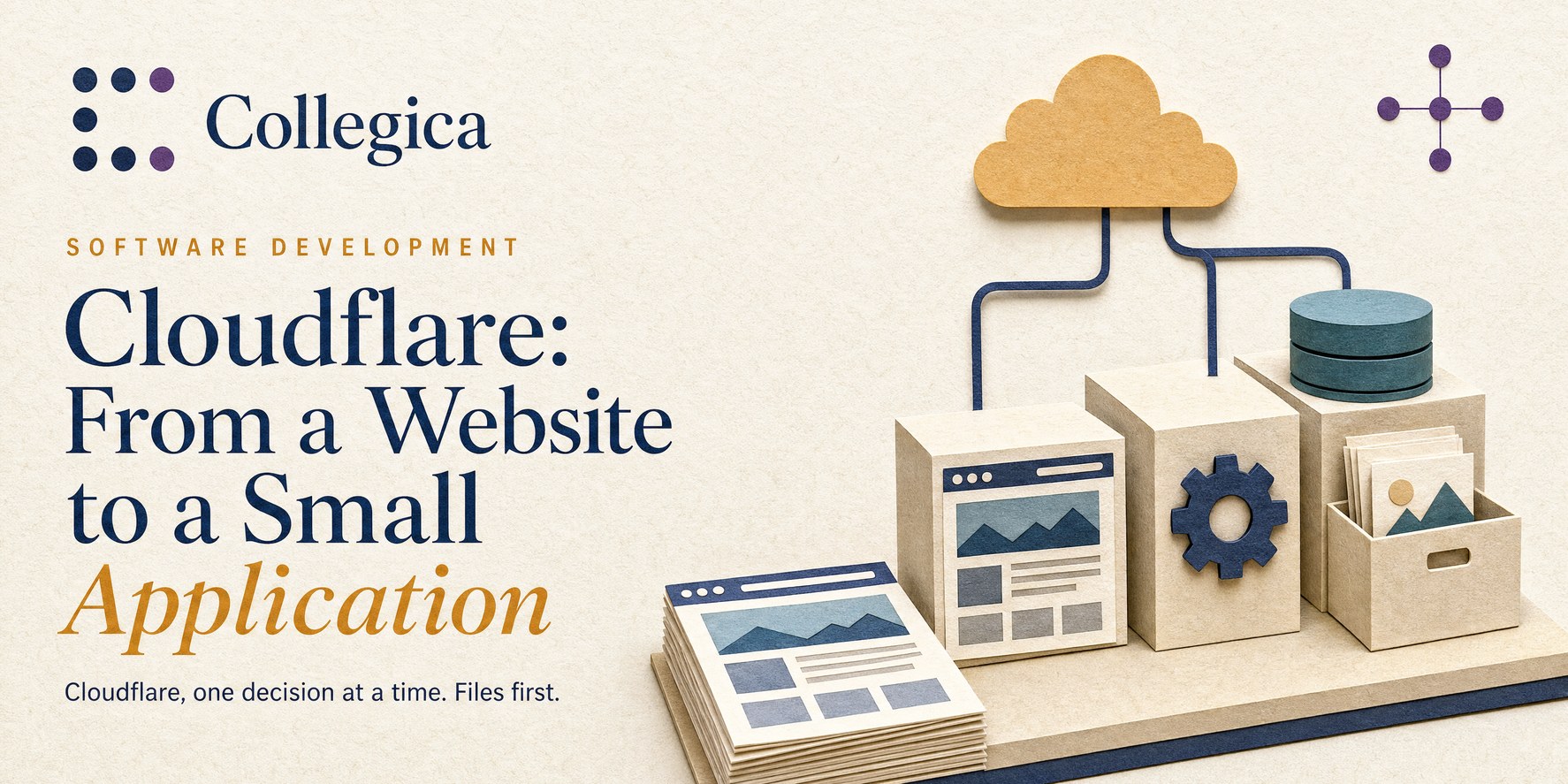
A website starts simply: a few pages, some images, a contact form. Over time, every new requirement brings another plugin, subscription, or service. Soon the work is less about publishing and more about keeping the machinery running.
Cloudflare offers a useful way to approach that problem. Publish the pages as files. Run code for the requests that need it. Add a database when there is something to remember. A small team can grow from a brochure site to an application through a series of understandable decisions.
The starting point for this article was Ryan Doser’s interview with Sam Rexford, Stop Using WordPress! (What to Use Instead). Its description lays out four parts: Claude Code or Codex for building, GitHub for storing the project, Astro for the website, and Cloudflare for hosting. That division of responsibilities is more useful than the headline. Before replacing a working website, understand what each part will take over.
Cloudflare documentation was researched on 25 November 2026; the Collegica workflow example was updated on 26 November. The video’s description and chapter list were accessible; its full transcript was not. This is an independently researched guide, rather than a transcript summary or a report of a tested migration. The commands below follow the linked documentation and have not been run as a deployment for this article. The Collegica example below comes from inspecting this site’s repository and deployment workflow; the live Cloudflare project settings were not audited.
Separate the editor, the repository, and the host
An AI coding assistant changes files. Git records those changes. GitHub holds the shared repository and supports review. Astro turns source content and components into a website. Cloudflare serves the result and can run its server-side code. Cloudflare’s Astro guide documents this hosting path.
Each part answers a different question:
| Part | The question it answers |
|---|---|
| Coding assistant | How do we make this change? |
| Git and GitHub | What changed, who reviewed it, and which revision do we want? |
| Framework or site generator | How does our content become pages? |
| Cloudflare | How do visitors receive those pages and use the application? |
Calling GitHub a CMS, as one chapter of the video does, needs a qualification. Files and pull requests can provide a publishing workflow for a team comfortable with them. They do not automatically provide the editing experience, scheduling, media management, and permissions a newsroom or client may need.
Choose the authoring workflow with the people who will use it. If someone needs to correct a paragraph from a browser, make that a requirement before choosing the technology.
Begin with pages that can be built ahead of time
An article does not usually need a database query every time somebody reads it. Build it into HTML when its source changes, then serve the generated file. Documentation, portfolios, course information, and many marketing pages fit this pattern.
Cloudflare Workers Static Assets can host HTML, CSS, images, and other build output alongside a Worker. Cloudflare handles serving and caching those files. This lets one project contain both ordinary pages and the server-side behavior it later needs.
Astro is one choice for generating those pages. Its default approach minimizes browser JavaScript, adding interactive components where needed. It also supports rendering pages on demand. See the Astro integration guide. An existing generator can be equally suitable; adopting Cloudflare does not require rewriting the site’s content system.
For example, a workshop site might build its description, schedule, and speaker pages ahead of time. Registration requires live behavior. Keeping those two paths distinct makes the system easier to reason about.
A real example: how Collegica reaches Cloudflare Pages
This site already uses that separation, with Quarto and Cloudflare Pages. The Astro and Workers commands later in this article describe another route for a new project; they are not the commands that publish Collegica.
Public articles are Markdown files with a YAML header for the title, author, date, description, and layout. Quarto builds the pages and subject listings. For example, a software article at website/software/<slug>/index.md is picked up by the software section’s listing pattern.
The repository’s GitHub Actions workflow does the publishing work:
- Build from source. On a pull request or a push to
mainormaster, install the environment using Pixi and render the website and slide decks. - Assemble the site. Put the generated website at the root of
public/, add slides, the agent-readable knowledge bundle, and pinned application releases. Adjust redirects and canonical URLs for the deployed site. - Check and package. Check that the committed knowledge bundle is current, validate the allowlisted public code export, type-check the server code, and bundle the Pages Functions with their dependencies.
- Review before publication. A pull request gets a full build and a separate hosted Quarto preview. The production workflow checks that the merged PR had successful build and preview statuses for its exact source revision, then publishes
public/togh-pages. The repository documents Cloudflare Pages as consuming that branch, with the rendering already done.
Article source → GitHub Actions → Quarto + checks → public/
                                                     ↓
                                              gh-pages branch
                                                     ↓
                                              Cloudflare Pages
The name gh-pages identifies a generated branch in this pipeline; it does not by itself mean that GitHub Pages is the host. Likewise, Cloudflare Pages and Workers Builds have different deployment setups. Cloudflare documents Pages Git integration separately from the Workers path shown later.
Collegica also has live application features. Pages Functions handle sign-in, organisation access, APIs, and media. D1 holds account and organisation-page data; R2 holds uploaded images. Public articles remain built files, while private organisation pages have a browser editor, revision history, and permission checks. Editing one of those private pages needs no Quarto rebuild.
That is a useful boundary: different publishing needs can share a site without sharing a storage model. Public article editing now uses Pages CMS over the same Git files. Humans edit in a browser; AI assistants edit a checkout. Both save to a draft branch and submit a pull request before publication.
A build check and a preview URL are separate features. Collegica renders the actual Quarto site for review and deploys its static output to a separate Cloudflare Pages project. The preview includes a draft banner and noindex headers. It contains no Pages Functions or production database bindings, and executable examples are not evaluated there. The full publishing build remains a separate check. Anyone with the preview link can read it; noindex does not make a draft private.
Add a Worker at the point where a request needs a decision
A form submission needs validation. An account page needs authentication. A private download needs permission checks. These requests need code on a trusted server, even when an AI assistant wrote the interface.
Workers provide that execution environment. A handler receives a request, uses the services available to it, and returns a response. Cloudflare calls the configured connections to services such as databases and storage bindings.
For the workshop, the registration handler should validate the submitted fields, check availability, and record the registration. The browser can help people fill out the form, but the server must enforce the rules. Hiding a button is not an authorization check.
There is also a runtime boundary to understand. Workers support many Node.js APIs, but support varies: some APIs are partial, and some shims permit an import without implementing its behavior. Before choosing a library, check the Node.js compatibility table and exercise the actual code path on the target runtime.
Choose storage by the promise the application must keep
The important storage question is what happens when two people act at the same time, or when somebody reads immediately after a change.
| Need | Cloudflare service to consider | Design implication |
|---|---|---|
| Registrations, users, and related records | D1 | Model relationships and constraints in SQL. |
| Images, PDFs, and uploaded files | R2 | Keep file contents separate from application records. |
| Frequently read, infrequently changed values | Workers KV | Readers must tolerate delayed visibility of updates. |
| Shared state for a room, session, or coordinator | Durable Objects | Route participants to the same named object. |
D1 provides a managed database with SQLite SQL semantics. It is a natural candidate for a registration table, with a uniqueness constraint for duplicate submissions. That constraint alone does not prevent overselling: checking remaining capacity and reserving a place must also be designed as one safe operation.
R2 stores objects such as handouts and uploads. Cloudflare does not charge R2 egress bandwidth fees, but storage and operations can still cost money; Infrequent Access also has retrieval charges. Put file identifiers and ownership in the database, and enforce access when serving private files.
Workers KV favors read-heavy workloads and caches values across locations. Updates can take time to become visible elsewhere. That can suit a cached workshop description. It is a poor fit for deciding who gets the final available place.
Durable Objects combine compute with strongly consistent attached storage. Their unique identities let multiple clients reach the same coordinator. A live workshop room or shared editing session may benefit from that model. Ordinary article pages do not need it.
Treat background work as work that can repeat
After a registration is saved, the application may need to send a confirmation or generate a document. A queue can separate that work from the visitor’s request, but it introduces another obligation.
Cloudflare Queues provides at-least-once delivery. A message may arrive more than once. Give each logical job a stable identifier and make the consumer safe to retry. For an email, use the delivery provider’s idempotency feature where available; a database flag and an external send are not automatically one atomic operation.
Also account for the gap between saving the registration and publishing its job. If one succeeds and the other fails, what finds the missing confirmation? An outbox record written with the registration, followed by a retryable dispatcher, is one approach. A queue does not remove the need to design this failure path.
Build one preview before moving the whole site
Start with one representative page and one real interaction. For a new Astro project, Cloudflare documents this scaffold command:
npm create cloudflare@latest -- workshop-site --framework=astro
cd workshop-site
npm run dev
You need Node.js and, for deployment, a Cloudflare account. Review the setup prompts and decline immediate deployment while developing. The generated project defines its scripts; inspect them before running commands. Cloudflare’s Astro guide documents npm run deploy for the configured project when it is ready.
Commit the dependency lockfile and deployment configuration. Workers use a compatibility_date to opt into runtime behavior changes; review and test updates to that date as part of maintenance.
Cloudflare’s Workers Builds can connect a GitHub repository to builds and deployments. Configure the production branch deliberately. A push to a deployment branch can publish changes, so review should happen before that boundary.
For an existing site, test the new version alongside it. Check important URLs, redirects, metadata, forms, accessibility, and mobile layout. Keep previews separate from production data and credentials. A successful build proves that the project built; it does not prove that a registration was saved correctly.
Keep a CMS when the editors need one
Moving away from WordPress can reduce work when the existing site is mostly content and the team is comfortable reviewing files. It can create work when the site depends on editorial roles, commerce, memberships, or specialist plugins. List those responsibilities before estimating the migration.
Cloudflare’s own ecosystem includes a CMS option: EmDash. It runs on Astro and Workers, stores content in D1 and media in R2, and provides an admin interface and integrations for AI tools. This is a separate product choice to evaluate, including its editor workflow and migration support.
For a small team, compare three concrete versions: keep the current CMS, publish content from files, or use a CMS with the new frontend. Ask an editor to perform the same task in each: correct a page, preview it, publish it, and undo the change. That tells you more than a framework comparison alone.
For Collegica’s public articles, a Git-backed browser CMS was a smaller change than adopting a new rendering stack. Pages CMS configures the existing article files and metadata fields. Its source editor keeps Quarto syntax visible. A pilot save of an existing article preserved its metadata values and Quarto body, while reformatting the YAML header and removing one blank line. That is useful evidence for that article, not proof that every possible Quarto extension will round-trip.
The important integration is the review action. After saving on a draft branch, an author chooses Preview and request review. A repository workflow checks the saved article revision, opens or updates its PR, and requests the full build and hosted preview. An AI assistant can open a PR against those same files and receive the same checks. The preview records the exact source commit; another edit requires another preview. A maintainer reviews the rendered result before merging.
Decap CMS’s editorial workflow is another way to manage draft branches and pull requests. Whichever editor a team chooses, a formatted editor preview is not a substitute for the final Quarto render. Test the actual callouts, fenced divisions, raw HTML, citations, and executable examples the site uses.
The existing private-page editor is useful experience, but its ordinary Markdown renderer does not implement Quarto’s publishing features. Reusing its interface for public articles would require a separate publication path. The goal is to make authoring easier while keeping one authoritative article source and the checks that already publish it.
Measure the application you actually built
Global hosting does not put every dependency beside every visitor. If a request must call a distant database or external API, those round trips remain part of the response time. Measure the complete path, including cold reads and failures.
Costs need the same discipline. Estimate requests, CPU use, database work, stored data, storage operations, and background jobs. Check Cloudflare’s current Workers limits against the workload; a free tier is useful for learning, but it is not a capacity plan.
Before moving the workshop site, demonstrate one complete journey: a visitor loads the page, registers once, receives one confirmation despite a retry, and can retrieve the intended handout. Then demonstrate recovery from a failed deployment and a failed background job.
Cloudflare’s value for a small team is that these pieces can share a deployment platform while remaining understandable parts of the application. Start with the pages. Add the decisions, then the state. Let each new requirement justify the machinery it brings.